
Shoot to Escape Guides
Walkthroughs for the bunker loop, guns, Dynamite, dailies, controls, loot, classes, and difficulty unlocks.
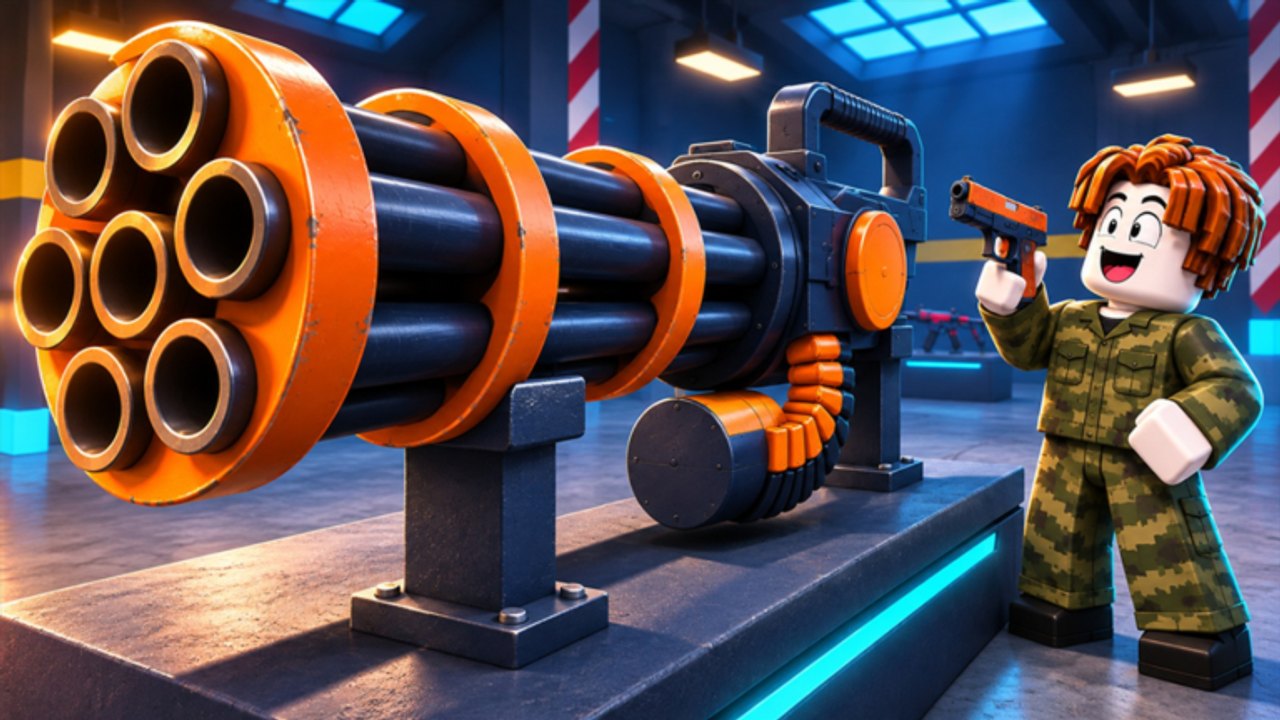
This Guides Hub is the map of every tutorial on the Shoot to Escape wiki. Whether you just loaded into the bunker for the first time or you are pushing Hard difficulty toward the final walls, start here, then open the linked deep dives. The game—released around 3 November 2026 by I Shoot For Fun—asks you to shoot walls, vacuum the debris, sell blocks on the conveyor for cash, and buy stronger guns until all 14 walls fall and you escape.
English guides on this wiki aim for real depth: clear steps, honest trade-offs, and internal links so you never bounce between dead ends. Pair these pages with the Codes Hub for free spins and gems, the Tier List Hub for gun value by difficulty, and the Players hub when you bring friends.
Recommended reading order
- Getting Started — first session checklist, group bonus, shop basics, and how not to waste early cash.
- How to Play — the full shoot → vacuum → sell → upgrade loop and pacing across 14 walls.
- Controls — PC and mobile habits for aim lanes, vacuum sweeps, and Shop access.
- Daily Rewards and Missions — claim streaks, finish quests, stack free spins and gems.
- Weapons and Upgrades — Pistol through Quasar Cannon: when each gun is worth buying.
- Dynamite and Craters — when explosives beat the next gun buy and how to throw without wasting debris.
- Difficulty Modes — Beginner → Medium → Hard unlocks and what changes between tiers.
- Loot, Gems, and Relics — chests, gem nodes, gold rushes, and relic finds inside walls.
- Classes and Drones — class picks and drone helpers that speed vacuuming or damage.
New players should finish Getting Started, How to Play, and Controls before obsessing over endgame guns. Veterans can jump straight to Dynamite, Weapons, Difficulty, or Loot.
What each guide covers
Getting Started
Day-one priorities: join the creator group for +10% cash forever, claim daily rewards and quests, redeem active codes, learn the Shop layout, and buy the first meaningful gun upgrade instead of cosmetics. You will also see how solo play differs from a four-player lobby before you invite friends.
How to Play
The core loop in detail. Shooting breaks wall sections; vacuuming collects blocks; the conveyor turns junk into cash; cash funds guns and Dynamite. Learn why crater placement matters and how to pace the 14-wall escape so you do not stall on Medium with a Pistol that should already be a Minigun.
Controls
Device-agnostic habits for PC and mobile: stable fire lanes, vacuum mode switches, Shop/code access, and co-op callouts that keep the HUD from fighting the breach.
Daily Rewards and Missions
Login claims and quest overlaps with the real loop. Stack dailies with codes so early Sniper and Minigun purchases arrive sooner.
Weapons and Upgrades
The full progression path: Pistol → Sniper → Minigun → RPG → Railgun → Quasar Cannon. Each step has a cash gate and a clear job—burst, sustained spray, splash, or late-game delete power. Cross-link with the Tier List for ranked value.
Dynamite and Craters
Explosive timing, cash trade-offs versus gun buys, and co-op throw calls so crater debris becomes conveyor cash instead of floor clutter.
Difficulty Modes
Beginner teaches the loop. Medium raises wall toughness and rewards. Hard is the stress test for gun investment, Dynamite timing, and co-op coordination.
Loot, Gems, and Relics
Chests, gem pockets, gold rushes, and relics hide in breakable terrain. Missing them slows perk shopping and makes Hard feel unfair.
Classes and Drones
Optional force multipliers once the basic loop is comfortable—damage roles, vacuum uptime, and four-stack etiquette.
Cross-links that keep progress moving
- Redeem FREESPIN, PERKS, and CHAPTER2 before a long grind session.
- Rank guns by difficulty value on the Tier List Hub.
- Plan party roles on the Players hub (shooters vs vacuum duty).
- Stay current with Chapter 2 and forest/UPD notes on the Updates hub.
- Read the honest Scripts page if you are researching automation—and the ban risks that come with it.
- Return to the Wiki overview whenever you need a single-page summary of lore and systems.
How we keep guides honest
Facts on this wiki stay aligned with a shared facts file: release window, co-op size, gun path, wall count, and the November 2026 code list. When live ops change rewards or add theming (forest chapters, new code waves), we update the relevant guide and the Updates hub together so pages do not contradict each other.
We do not invent YouTube videos. When a guide embeds footage, the ID is a real upload—codes walkthroughs or bunker gameplay—placed mid-article so you can watch after the written steps, not instead of them.
After you finish the hub tour
Pick one goal for your next session: escape Beginner cleanly, unlock Medium, afford Minigun or RPG, master a Dynamite crater, or learn a class/drone combo with friends. Open the matching guide, keep the Codes page handy, and treat every wall as both a damage check and a loot check. That mindset turns the bunker from a grey corridor into a readable progression ladder—and it is the fastest way to reach Quasar Cannon territory without burning out mid-Hard.
If a mechanic feels unclear after reading, check Related links on each guide page for sibling tutorials in the same category. The Guides Hub will keep indexing new walkthroughs as the game grows past Chapter 2.
Frequently Asked Questions
Quick answers to the most common questions.
Which Shoot to Escape guide should I read first?
Start with Getting Started, then How to Play. Move to Weapons and Difficulty once the shoot-vacuum-sell loop feels natural.
Do these guides cover multiplayer?
Yes. Getting Started and Classes and Drones touch party play, and the Players hub goes deeper on roles for up to four friends.
Where is the gun upgrade order explained?
See Weapons and Upgrades for the Pistol through Quasar Cannon path, and the Tier List Hub for Beginner/Medium/Hard value rankings.
Are codes listed inside the guides?
Guides link to the Codes Hub for the live list (FREESPIN, PERKS, CHAPTER2). Redeem steps stay centralized there so updates stay consistent.
Will more guides be added after Chapter 2?
Yes. New systems from live ops will get dedicated pages and appear in this hub’s reading order when they ship.